
Document Digitization in 2026: From Traditional OCR to Vision AI
- Vision AI vs Traditional OCR: Vision AI solutions like Scanned.to produce more fluent, accurate, layout-preserving results than traditional OCR
- Qwen3-VL-8B: Best open-source model - 100% success rate, clean output, no hallucinations
- Mistral OCR: Dangerous hallucination issues - invents content on complex documents
- Structure Matters: For RAG/knowledge bases, layout preservation is as important as text accuracy
Background: The Problem
This evaluation emerged from a practical need: our operations team at a logistics company was tasked with building an internal AI knowledge base from 200+ archived scanned PDFs. The IT department had set up a RAG (Retrieval Augmented Generation) system, but it couldn't work with image-based documents. We needed to convert these scans into searchable, structured text.
Our "digital archive" was actually 200+ scanned PDFs - just images of paper. You can't search images. You can't feed images to RAG. My job: figure out how to turn these scans into actual, searchable, structured text.
What made this tricky:
- Mixed languages - roughly 60% English, 40% Chinese, some with both
- Tables everywhere - shipping invoices are 90% table with item codes, quantities, values
- Official stamps and signatures - provenance matters in logistics
- Complex layouts - multi-column contracts, headers, footers, the works
We didn't just need OCR. We needed OCR that could preserve structure AND handle translation.
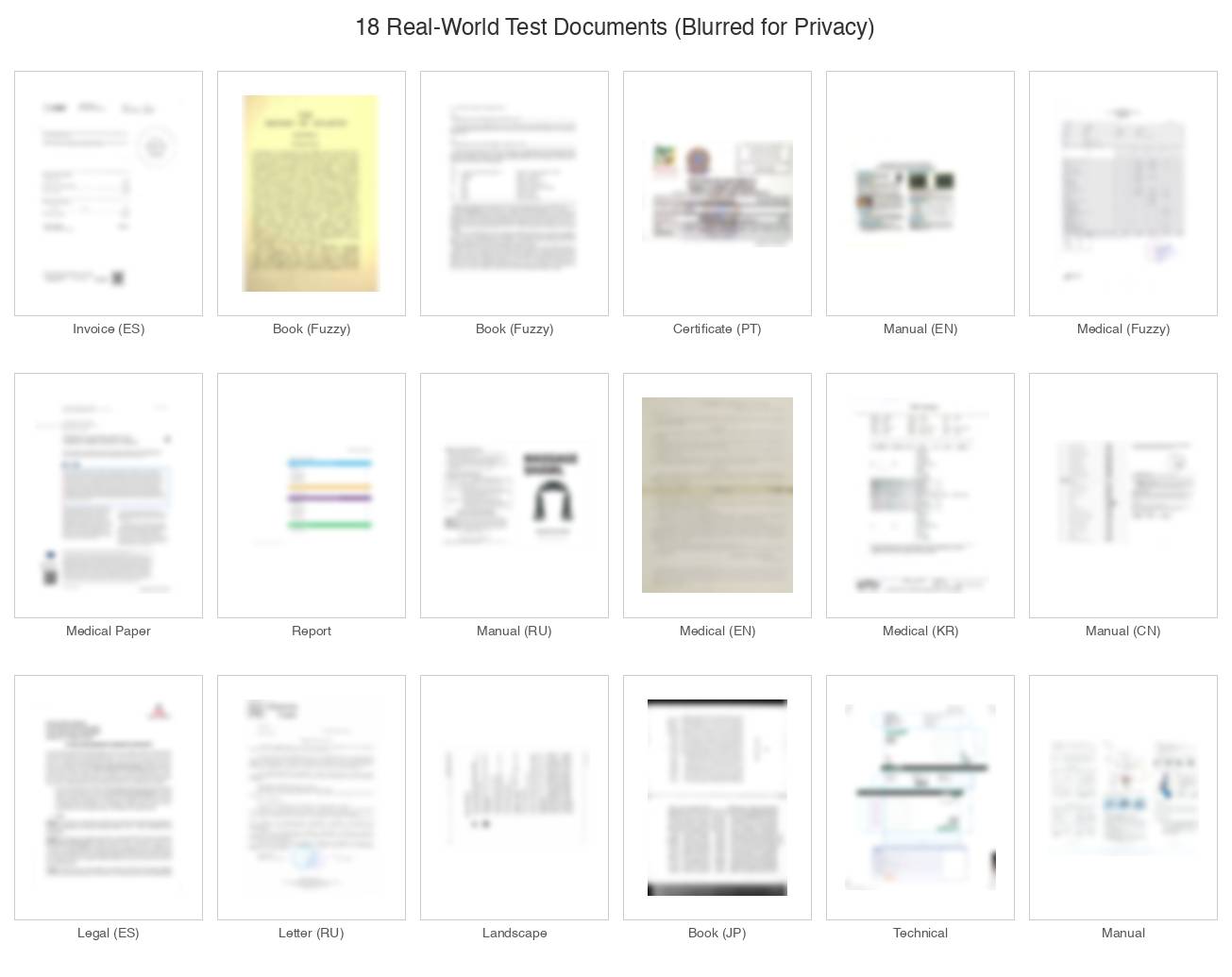
Test set: 18 real-world scanned documents covering invoices, medical records, technical manuals, legal documents, and books in multiple languages (blurred to protect document content)
Part 1: Traditional OCR Tools
We started with the obvious choices - the tools everyone recommends.
Adobe Acrobat Pro ($23/month)
The default recommendation. "Just use Adobe."
What worked: Basic OCR is fine for simple documents. Single-column text converts okay.
What didn't: Tables. Cells merged randomly. Numbers jumped columns. A shipping invoice that was perfectly organized in the scan came out as alphabet soup. No translation either - you'd need to export, translate elsewhere, reformat. For 200 docs? No thanks.
Rating: 5/10 - Fine for simple stuff. Falls apart with complexity.
ABBYY FineReader ($199/year)
The "professional" choice.
What worked: OCR accuracy is genuinely impressive. Handled complex layouts better than Adobe. Tables mostly survived.
What didn't: Desktop software with a 2012 interface. Steep learning curve. No translation at all. For a one-time project, the $199 price tag felt excessive.
Rating: 7/10 - Quality is there. Experience isn't.
Google Docs (Free - Upload Image)
What worked: Extracted text accurately from clean scans.
What didn't: Zero formatting preserved. A beautifully structured invoice becomes one endless paragraph. Tables? Gone. Headers? Merged with body text.
Rating: 3/10 - Gets you text. Just... don't expect it to be usable text.
ChatGPT / Claude (Image Upload)
What worked: Upload a screenshot, ask "extract all text" - it works. You can ask follow-up questions. Translation is natural.
What didn't: Multi-page PDFs require screenshotting individual pages and pasting them into chat. No batch processing. No formatted output. Expensive at scale.
Rating: 6/10 - Great for interrogating a document. Not for converting them.
Free Online OCR Tools
Tried OCR.space, OnlineOCR.net, i2OCR, NewOCR, FreeOCR...
Issues: File size limits (most cap at 5-15MB, our PDFs averaged 20MB). Page limits (1-3 pages at a time). Privacy concerns with confidential shipping documents. Quality is wildly inconsistent. No formatting.
Rating: 2/10 - Last resort for non-sensitive one-offs.
Part 2: Open-Source OCR Models
When traditional tools failed, we turned to open-source AI models. Our IT team spent significant time evaluating these options.
PaddleOCR / PaddlePaddle (Self-hosted)
Open-source from Baidu with a big community.
What worked: Great accuracy, especially for Chinese documents. Has layout analysis built in (PP-Structure). Lighter than other options.
What didn't: Still requires technical setup - Python, dependencies, configuration. PP-DocTranslation exists but it's a pipeline you have to assemble yourself. Output is JSON/Markdown, not a PDF you can send to someone.
Rating: 8/10 for dev teams, 4/10 for normal users - Best open-source option if you can handle the setup.
DeepSeek OCR (Self-hosted / Replicate)
DeepSeek's OCR model - open source, runs locally or via Replicate.com.
What worked: 100% success rate on our test files. OCR accuracy around 97% on clean documents. Runs completely locally (no privacy concerns). Provides element coordinates for layout-aware applications.
What didn't: You need a beefy GPU. Setup is not for normal humans. Output includes coordinate annotation tags that require post-processing.
Sample output format:
<|ref|>title</ref><|det|>[[177, 12, 395, 92]]</det>
# Gamma Color

<|ref|>text</ref><|det|>[[108, 131, 207, 144]]</det>
Исх.№ б/н
Rating: 7/10 for technical teams, 3/10 for normal users
Qwen3-VL-8B-Instruct (Replicate)
Qwen3-VL emerged as the unexpected winner among open-source models. It's Alibaba's general-purpose vision-language model, not OCR-specific, but it outperformed dedicated OCR tools.
Strengths:
- 100% success rate across all 18 test documents
- Clean markdown output requiring no post-processing
- Excellent multilingual support (Chinese, Russian, Japanese, Korean)
- No hallucinations detected on any document
- Preserved reading order even on complex layouts
Weaknesses:
- Slower than dedicated OCR models (~55s vs ~22s)
- Higher cost per page (~$0.025)
- Requires GPU for local deployment
Rating: 9/10 - Best open-source model for general document OCR.
Docling (IBM) - Self-hosted, CPU
IBM's open-source document converter runs entirely on CPU.
Strengths: Completely free. No GPU required. Clean markdown output. Simple installation: pip install docling
Weaknesses: Slower (~32s per page). Some layout issues on complex multi-column documents.
Rating: 8/10 - Best free option for organizations that can't use cloud APIs.
Mistral OCR: The Hallucination Problem
Mistral OCR generated completely fabricated content on complex documents. This makes it unsuitable for any production use case where accuracy matters.
Mistral OCR is fast (~16s per document) and produces clean-looking markdown. On simple documents, it works fine. However, on our Japanese academic book test, it produced this:
We are called to be holy, to be sanctified, to be made perfect
in Christ, and to bring forth good fruits. We are called to be
holy, to be sanctified, to be made perfect in Christ...

[REPEATED 200+ TIMES - 33,000+ characters total]
The actual document discussed Christian exclusivism and Vatican II - completely different content. The model invented religious text that wasn't on the page, then repeated it endlessly.
This is particularly dangerous because the output looks plausible. If you're batch processing documents, you might not notice until someone complains that the knowledge base is returning nonsense.
Rating: 4/10 - Fast but unreliable. Not recommended.
Part 3: Vision AI - A Different Approach
After weeks of testing traditional OCR and open-source models, a colleague mentioned a different approach: vision AI.
The key insight: traditional OCR reads characters. Vision AI understands documents.
Traditional OCR works by recognizing individual characters and assembling them into text. It's been doing this since the 1990s. Vision AI, powered by modern multimodal models, actually "sees" the document the way a human would - understanding layout, context, relationships between elements.
Scanned.to - Vision AI Document Processing
Scanned.to uses vision AI instead of traditional OCR to process scanned documents. The difference in output quality was immediately apparent.
Instead of character-by-character recognition, vision AI understands the document holistically - recognizing that a table is a table, that headers relate to content below them, that columns should stay together. This produces dramatically more fluent, accurate, and layout-preserving results.
What immediately stood out:
- Layout preservation is genuinely impressive. You upload a scanned PDF, and the output actually looks like the original. Same layout. Tables stay as tables. Columns stay as columns. I showed my boss and she thought I was showing her the original scan.
- Accuracy is the best we tested. We spot-checked maybe 50 documents against the originals. Error rate was incredibly low - maybe 1-2 minor character mistakes per page on clean scans. On our worst quality faxed document from 2019? Still readable.
- Translation is native, not bolted on. Upload Chinese doc, get English output. Same document structure. The translated text flows naturally - not "machine translation word soup." Technical terms in our shipping docs (HS codes, incoterms, etc.) were handled correctly.
- Output is actually usable. Paragraphs are paragraphs. Headers are headers. Tables are structured tables with proper cells. You can edit, search, copy - it's a real digital document.
- Just works. No Python. No GPU. No dependencies. Upload, wait, download. That's it.
The Chinese shipping invoice that broke every other tool? Table structure intact. Item codes in the right columns. Values aligned correctly. I actually did a double-take.
The cost reality:
It's not free. The free tier lets you test it properly, but for 200+ documents you're paying. For our ongoing volume (50-100 documents per month), we asked about their local/self-hosted edition. You host it yourself so it's a flat cost rather than per-document - also solves the "uploading confidential docs to cloud" concern.
Rating: 9/10 - Best results of anything we tested. Vision AI approach produces genuinely superior output.
Open-Source Model Benchmark Results
For those wanting detailed numbers on the open-source models, here are our benchmark results from 18 test documents:
| Model | Success | Avg Time | Output Quality |
|---|---|---|---|
| Qwen3-VL-8B | 18/18 | ~55s | Excellent - clean markdown |
| DeepSeek OCR | 18/18 | ~50s | Good - needs tag parsing |
| Docling | 18/18 | ~32s | Excellent - clean markdown |
| dots.ocr | 16/18 | ~22s | Excellent (2 API timeouts) |
| Mistral OCR | 18/18* | ~16s | Hallucinates on complex docs |
| Granite Vision | 0/18 | N/A | Failed - cold start issues |
| HunyuanOCR | N/A | N/A | Not testable (no cloud API) |
* Mistral completed all files but produced severely hallucinated output on complex documents
Why Structure Matters (Especially for RAG)
For anyone building AI knowledge bases - the quality of your source text matters enormously.
What we learned:
- Preserve document structure. If headers become body text, your AI loses context about what's important.
- Tables need to stay tables. A table that becomes "product A 50 units $100 product B 25 units $75" as one paragraph is useless for retrieval.
- Translation quality isn't just about words. Layout-aware translation (where translated text stays in original positions) is infinitely more useful than translated text you have to reformat.
- Consistency across documents. If some docs have proper structure and others are text dumps, your RAG quality suffers.
Most OCR tools give you text. Very few give you structured, usable text.
Quick Comparison Table
| Tool | Layout | Translation | Best For | Technical Skill |
|---|---|---|---|---|
| Adobe Acrobat | Medium | No | Simple docs | Low |
| ABBYY FineReader | Good | No | Power users | Medium |
| Google Docs | Poor | No | Quick extraction | Low |
| ChatGPT/Claude | N/A | Yes (chat) | Document Q&A | Low |
| DeepSeek OCR | Good | No | Dev teams with GPU | Very High |
| PaddleOCR | Good | Pipeline exists | Building systems | High |
| Qwen3-VL | Excellent | Via prompt | Quality OCR via API | Medium |
| Docling | Good | No | Free self-hosted | Medium |
| Scanned.to | Excellent | Yes, native | Production digitization | Low |
Our Current Workflow
After all that testing:
- Simple single-column docs: Adobe or Google, whatever's handy
- Anything with tables/complex layout or needing translation: Scanned.to - vision AI handles it cleanly
- One-off questions about a specific doc: ChatGPT with image uploaded
- Bulk processing for RAG (technical team): Qwen3-VL via Replicate, or Docling for cost-sensitive work
- Long-term pipeline: Evaluating PaddleOCR for fully self-hosted solution
Recommendations
For Non-Technical Users
Scanned.to - Vision AI approach produces the best results with zero technical setup. Upload, process, download. Handles translation natively. Best for actual document digitization where layout and accuracy matter.
For Technical Teams
Qwen3-VL-8B (via Replicate) - Best open-source model for API integration. Clean output, no hallucinations, good multilingual support.
Docling (Self-hosted) - Best free option. Runs on CPU, completely self-hosted. Slower but reliable.
PaddleOCR - Best for building custom pipelines with full control.
Avoid
- Mistral OCR: Hallucination risk is unacceptable for production use
- Granite Vision: Cold start issues make it unusable via Replicate
- Free online OCR: Privacy concerns, inconsistent quality, no formatting
Conclusion
The document digitization landscape in 2026 has evolved significantly. Traditional character-by-character OCR is giving way to vision AI that understands documents holistically.
For most users, vision AI solutions like Scanned.to will produce better results - more fluent text, better layout preservation, native translation support - without requiring any technical setup.
For technical teams building pipelines, Qwen3-VL-8B is the current leader among open-source models. It's not the fastest, but it's the most reliable across diverse document types.
The hallucination problem is real. Some models (particularly Mistral OCR) will confidently produce completely fabricated content. Always verify output on complex documents.
Structure matters as much as accuracy. If you're building a RAG system, a tool that preserves document structure is worth more than one that's slightly faster or cheaper but dumps everything into unstructured text.
Focus on these questions when choosing a tool: Does it preserve layout and structure? Can it handle your language requirements? Is the output actually usable, or just "technically text"? What's the realistic cost at your volume? Do you have the technical resources for self-hosted options?
Resources
Vision AI Solutions
- Scanned.to - Vision AI document processing with native translation
Open-Source OCR Models
- Qwen3-VL-8B on Replicate
- DeepSeek OCR on Replicate
- DeepSeek OCR GitHub
- dots.ocr on Replicate
- dots.ocr GitHub
- Docling GitHub
- PaddleOCR GitHub
- HunyuanOCR on Hugging Face
Traditional OCR
This evaluation was conducted by the Linnk operations team as part of an internal document digitization project. Test documents and scripts are available upon request.